How To UNBLOCK Websites On School Chromebook In 2026?
Accessing restricted content in 2026 relies on leveraging decentralized Content Delivery Networks (CDNs) and ultra-fast “static” mirrors that school filters haven’t flagged yet. These proxies—specifically those from providers like Axis, Day Dream X, and Space—function by routing your traffic through encrypted tunnels, effectively masking the destination URL from the school’s local monitoring software. Because many of these links utilize .b-cdn.net or unique international TLDs (like .xyz or .pl), they often bypass standard keyword blockers, providing a seamless “browser-within-a-browser” experience that renders blocked pages in real-time without needing to modify your Chromebook’s developer settings.
Top Proxy Links for 2026
If you are looking for a reliable gateway, these are currently the most active mirrors categorized by their hosting providers.
Rosin
NEWLY UPDATED (9/18/2026):
Rosin “Pound4PoundMMA” Mirror #5
Rosin “ScottBaptist” Mirror #6
PeteZah Games
PeteZah Games is my personal favorite for being one of the most advanced and feature-rich unblockers.
NEWLY UPDATED (9/18/2026):
Cherri Unblocker
Newly added proxy to this page, majority of these links are “.SVG” so some features might not work!
https://cdn.jsdelivr.net/gh/hameslabybu-web/svg@09af14ebc4f1838ae8cb0c668ee772a01221524a/index.svg
https://cdn.jsdelivr.net/gh/hameslabybu-web/svg@07e679612b9bfa3d82b718b0f5d2fe0a25f83770/index.svg
https://cdn.jsdelivr.net/gh/hameslabybu-web/svg@c6ca00e53e6d46de1af1d6a43f7721d0570c4609/index.svg
https://cdn.jsdelivr.net/gh/hameslabybu-web/svg@9bf008da390e6e5afbcfe4b3d464df8ebbe5fabb/index.svg
https://cdn.jsdelivr.net/gh/hameslabybu-web/svg@35bd6d80d933297f38b9f15c51259a2a1ee851c1/index.svg
https://cdn.jsdelivr.net/gh/hameslabybu-web/svg@4315f8b3aa9613e083cd6db988e1c9baff7b22e1/index.svg
https://cdn.jsdelivr.net/gh/hameslabybu-web/svg@2d317e4284c622e3eec9566ef3d90704b93c1bd1/index.svg
https://cdn.jsdelivr.net/gh/hameslabybu-web/svg@b2338905d832101a4f0d8856a71f9a9fc9050512/index.svg
https://cdn.jsdelivr.net/gh/hameslabybu-web/svg@a7a5e61ccbab2337107a6f52c77bf7711e125582/index.svg
https://cdn.jsdelivr.net/gh/hameslabybu-web/svg@abf7d817f27c8fd8f191895e4ed34f5c71edd1eb/index.svg
https://cdn.jsdelivr.net/gh/hameslabybu-web/svg@5866557a754f7108f3ba3fbd3e289be9e5697d20/index.svg
https://cdn.jsdelivr.net/gh/hameslabybu-web/svg@fac06db6a519895840daf68ffad03ca2e2949a6d/index.svg
If you need even more, they have their entire HUGE text file of SVG proxies on GoFile: https://gofile.io/d/H5atnA8H
Space Unblocker
Space is a fan favorite for its stability and low latency, perfect for web-based applications.
If none of these work..
Keep reading below for our step by step guide and our FAQ, or you can also try out our other blog posts:
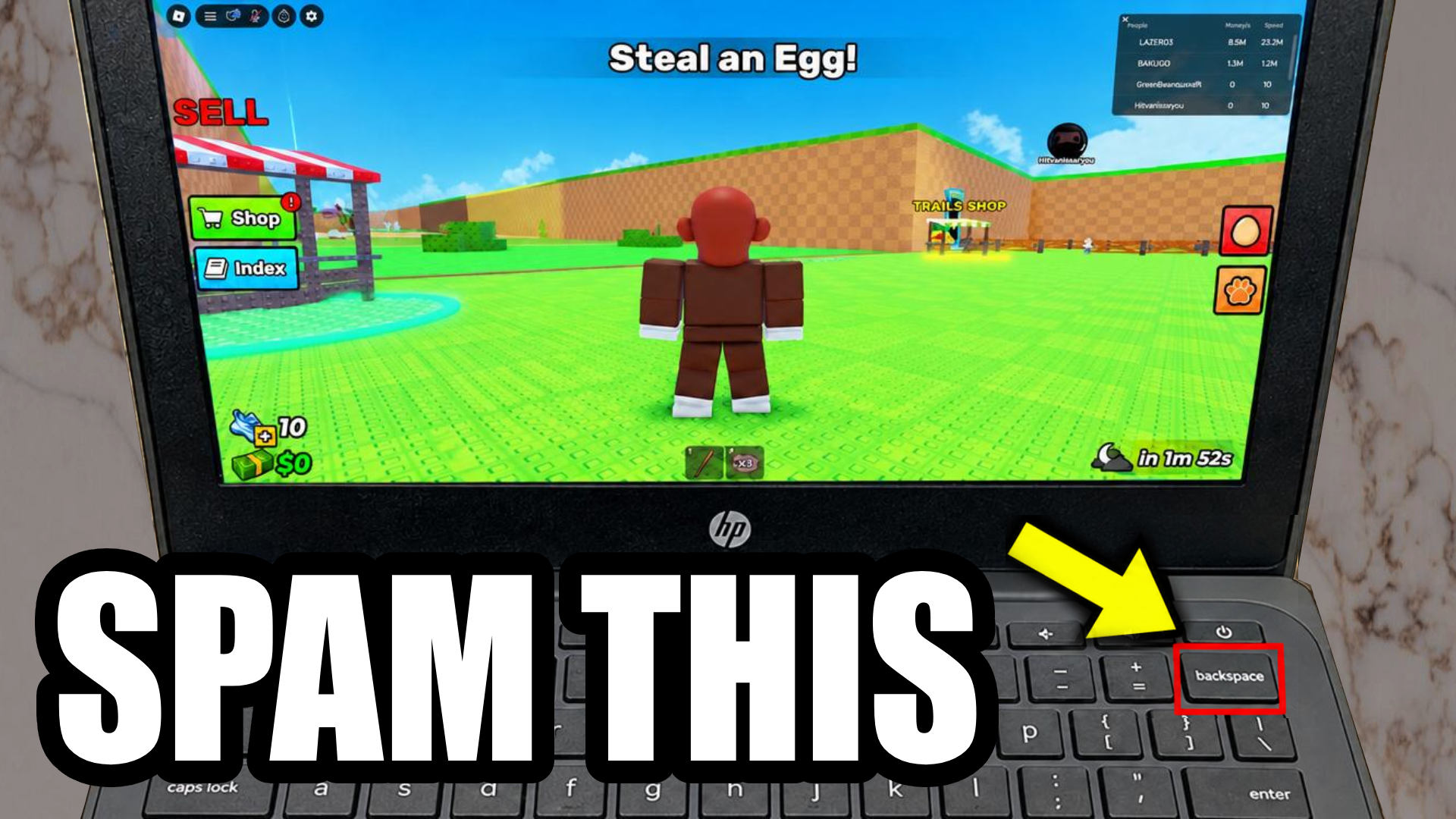
How To Play Roblox On School Chromebook (2026)
What are the best methods to play Roblox in school? You can play Roblox in school by using the game…
Best Unblocked Games & Web Proxies (2026 Edition)
School network filters like Securly, GoGuardian, and Cisco Umbrella get strict updates every month, making standard domain mirrors obsolete fast.…
NEW Unblocked Games Websites (2026 – 2027 School Year)
Welcome back to a brand-new academic year! Starting off the 2026–2027 school year right means having reliable, fast, and feature-packed…
How to Get Gakuran Rerolls on Roblox (In 2026)
Stepping into the brutal, delinquent-filled world of Gakuran on Roblox means preparing for an all-out turf war. While the game…
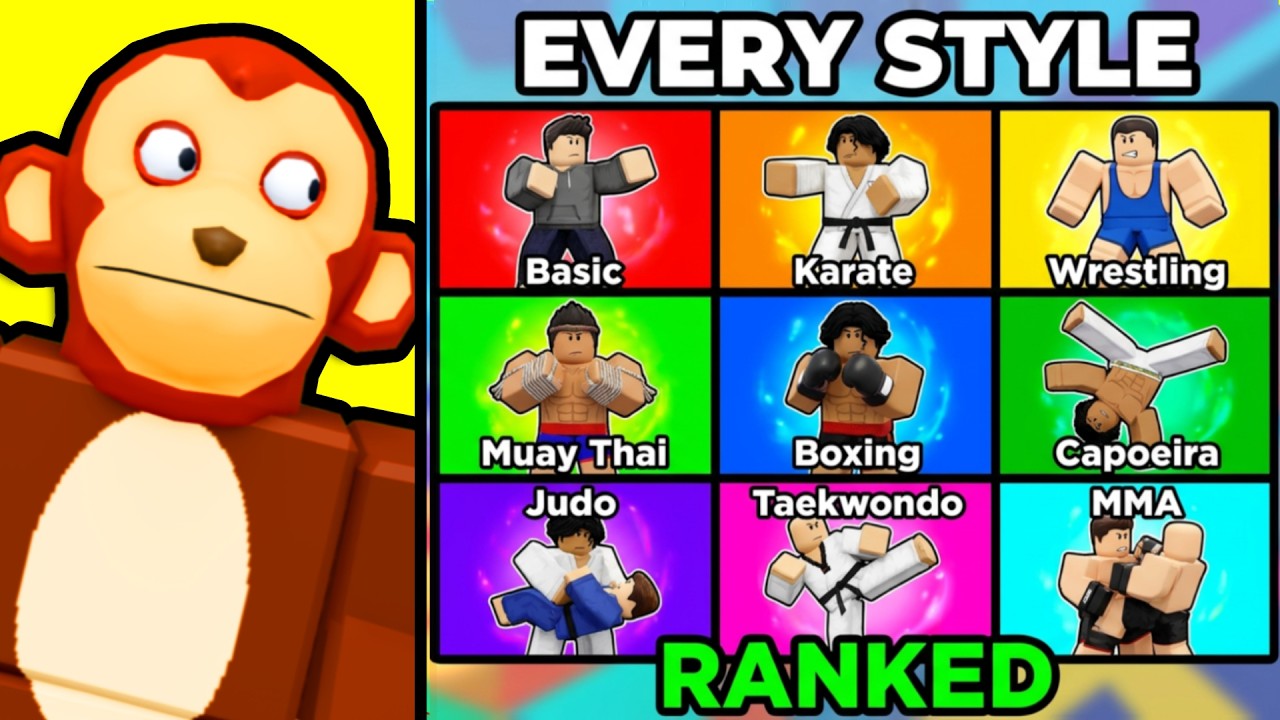
The Ultimate Gakuran Fighting Style Tier List (Best to Worst)
Finding the right fighting style in Gakuran on Roblox can completely change your matchmaking experience. Whether you are running a…
Evomon Tier List 2026: Every Evomon Ranked Worst to Best
If you’ve been grinding away in Evomon on Roblox and you’re not sure who’s actually worth keeping on your team,…
Step-by-Step Guide to Using Proxies
- Select a Link: Choose a link from the lists above. If one is blocked, move to the next.
- Wait for the UI: Once the page loads, you will see a search bar or a URL input box.
- Enter Your Destination: Type in the website you want to visit (e.g., a gaming site or social media).
- Settings (Optional): Many of these proxies allow you to toggle “Stealth Mode” or “Incognito” within the proxy settings for extra privacy.
- Go: Press enter, and the site should load within the proxy window.
FAQ: Everything Else You Need To Know
1. Why do some links stop working after a few weeks?
School IT departments use automated “crawlers” that identify high-traffic outbound links. Once a specific URL sees a massive spike in student use, it gets flagged. This is why “mirrors” exist—if one URL is caught, the others remain active.
2. Is my browsing history visible to the school while using these?
When you use a proxy, the school’s router only sees that you are connected to the proxy’s URL (like b-cdn.net), not the final website you visit. However, if they use screen-monitoring software like GoGuardian, they can see what is physically on your screen regardless of the proxy.
3. Do these proxies work for downloading files?
Most web proxies are designed for viewing content, not heavy downloading. While you can save images or small PDFs, downloading large game files or software often fails because the proxy’s server has a “timeout” limit on data transfers.
4. Can I use these to access the Chrome Web Store?
Generally, no. The Chrome Web Store is integrated into the OS layer of the Chromebook. Proxies only work at the “web layer,” meaning they can unblock websites but cannot bypass administrative restrictions on installing actual extensions or apps.
5. What should I do if the proxy page is blank or “White Screens”?
This usually means the proxy’s server is overloaded or your school has blocked the JavaScript “scripts” that run the proxy. Try switching from a CDN-based link (like Axis) to an IP-based link (like the ones in the Day Dream X section) to resolve this.